Monitor, desktop or laptop.
Choose Computer monitor for each separate display. Desktop computer covers one tower or one all-in-one computer. A laptop is its own item. Add only the devices going.
Old computer, spare monitor, printer that’s ready to go, gone from the curb. Choose your electronics, see the exact price and book by 2pm for same-day pickup.
400+ reviewsacross Google & TrustpilotFirst item / additional item
Book by 2pm for same-day pickup.
Choose items or browse the full catalog.
The old setup can go
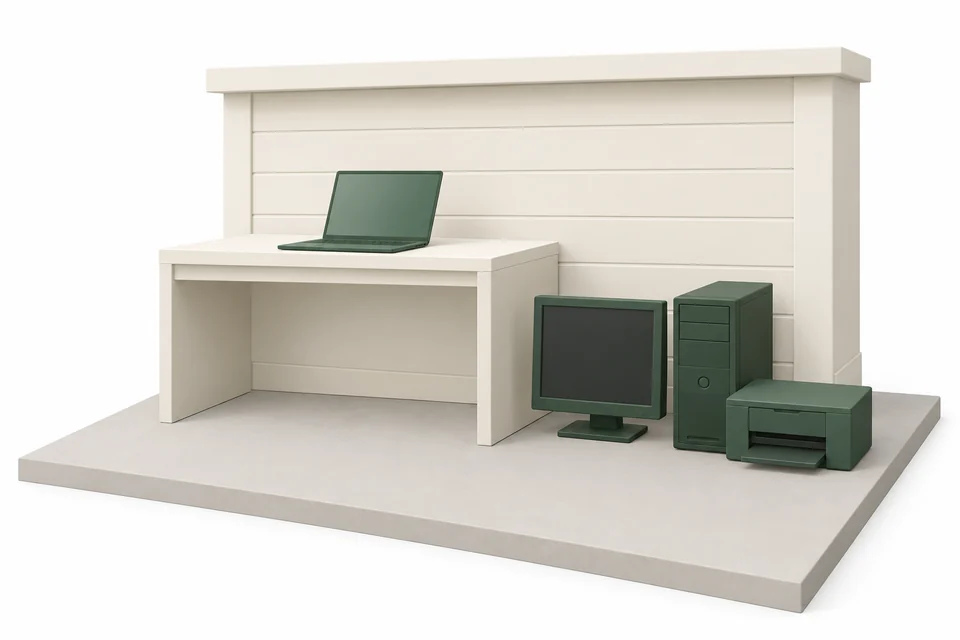
The new laptop is working. The old monitor, tower and printer are still taking up a corner. Give the equipment you no longer use a pickup day, with the price settled before anyone arrives.
Choose each device and see the total online. Loading, transportation and disposal are included. No visit just to find out the price.
Book by 2pm at your pickup address for same-day pickup, or choose a future date shown at checkout. Prepare your devices and have them outside before pickup.
Get a booking confirmation, a text when your hauler is on the way and photos when the pickup is done. Your retired equipment is one less thing to keep track of.
Choose the right items
A separate monitor and tower count separately. Small devices and cables have their own box option. Choose what is actually leaving so your price matches the pickup.
Choose Computer monitor for each separate display. Desktop computer covers one tower or one all-in-one computer. A laptop is its own item. Add only the devices going.
A printer with a built-in scanner belongs under Printer. A floor-standing copy machine belongs under Office copier. The shape matters more than the brand.
Use Box of electronics for small devices, cables and chargers together in one box. For a large or heavy box, unusual contents or separate batteries, send a photo and confirm the fit before booking.
First item / additional item
The highest first-item price applies once. Every remaining item uses its additional-item price. Loading, transportation and disposal are included. Applicable sales tax is shown before payment.
Choose my itemsReady for pickup
Prepare devices while they are still indoors and connected. Move them to an accessible outdoor pickup spot once they are ready to leave.
Dropcurb provides removal. Data erasure or certified data destruction is not included. For a device with a battery or condition concern, contact us before booking to confirm whether it can be collected.
A house, a condo or an apartment. Choose an accessible outdoor spot that works for your property. You arrange the move outside; we take it from there.
Save the files you want to keep. Follow the manufacturer’s instructions to sign out of accounts and erase personal information. If a device will not turn on, resolve any data concerns before handing it over.
Unplug the equipment and count the devices in your booking. Set aside any accessories you are keeping. Group the items being collected so the right equipment is easy to identify.
Follow the readiness instructions in your confirmation. Add a location photo and access notes. You arrange any carrying from inside your home or building; we load and take away the prepared items outside.
Confirmation when you book. A heads-up before arrival. Photos when it’s done.
Your confirmation comes straight to your phone.
The local disposal guide
Electronics removal in Cedar Falls: start with the item’s collection rules, then choose the arrangement that fits.
Reviewed · Sources below
Computers and televisions are accepted in the large item pickup at a published charge each, and the Transfer Station recycles them for a fee as well.
The handoff matters
Large items scheduled for curbside pickup must be placed at the curb after 8 p.m. the night before the scheduled collection. The service is limited to large items and is not intended to be a service for garbage.
Large item pickup rules, accepted items and chargesNon-contaminated used engine oil and used oil filters can be disposed of at the Transfer Station at no charge. Both are on the large item pickup refusal list, so the Transfer Station is the route for them.
Transfer Station hours, accepted and refused materials, and feesLarge item pickup rules, accepted items and chargesUse a permitted, accessible outdoor spot. Arrange the move out of your home, keep shared access clear and follow your confirmation’s readiness instructions. Check with your building about access or staging limits before booking.
See your pickup preparationCustomer reviews
Selected customer reviews. Counts checked September 2026.
Before you book
Electronics removal, from choosing your item to pickup day in Cedar Falls.
A computer monitor is $79 as the first item and $19 as an additional item. Choose the actual devices and quantities to see your combined price online. A separate desktop tower and monitor are separate items. Loading, transportation and disposal are included; review the total and any applicable tax before payment.
Book by 2pm at your pickup address for same-day pickup. Choose from the dates shown at checkout and have the prepared items outside according to your confirmation. We text you when your hauler is on the way and provide photos when the pickup is done. The booking is for a day, not an exact arrival time.
Desktop computer covers one tower or one all-in-one computer. Add a separate monitor, printer or laptop as its own item if it is going too. For small devices, cables and chargers together, choose Box of electronics and check the description before booking.
Data erasure and certified data destruction are not included in Dropcurb removal. Back up the information you need, then follow the manufacturer’s sign-out and reset instructions before pickup. If a device cannot be erased or contains sensitive business information, arrange suitable data handling before giving it away. Completion photos confirm the pickup, not data destruction.Official guidance
Yes. Box of electronics is an existing option for small devices, cables and chargers together in one box. A monitor, desktop computer and printer each have their own item option. Send a photo before booking for a large or heavy box, unusual contents or separate batteries so we can confirm the fit.
The City publishes a charge for each computer and each television in the large item pickup, added to the CFU bill. The Transfer Station also recycles computers and televisions and charges a recycling fee for them.Official guidance
Yes. Large item pickup is available to residents with an active Cedar Falls refuse account, and the charges for the stop and for any appliances, computers or televisions are added to the CFU bill.Official guidance
Starting June 1, 2026 the Transfer Station began accepting solid waste on Mondays. Small amounts of yard waste are still accepted at the drop-off location by the scale house, but larger amounts should go to the City compost site in the 300 block of North Main Street.Official guidance
Call Public Works at (319) 273-8629 between 7 a.m. and 4 p.m. Monday through Friday to schedule a large item pickup or to ask about the Transfer Station.Official guidance
One less thing on your list
Choose what’s going. See the price. Clear that corner in Cedar Falls.